The brief: ConvoGrid - then BotGrid - had a working but basic platform for creating AI bots from creators' content. The team needed it to feel fun and current for a Gen Z audience without losing clarity across bot creation, conversations, payments and integrations.
What I did:
- Audited the existing platform and mapped usability gaps with the founders.
- Restructured navigation and content priority, then redesigned the core flows.
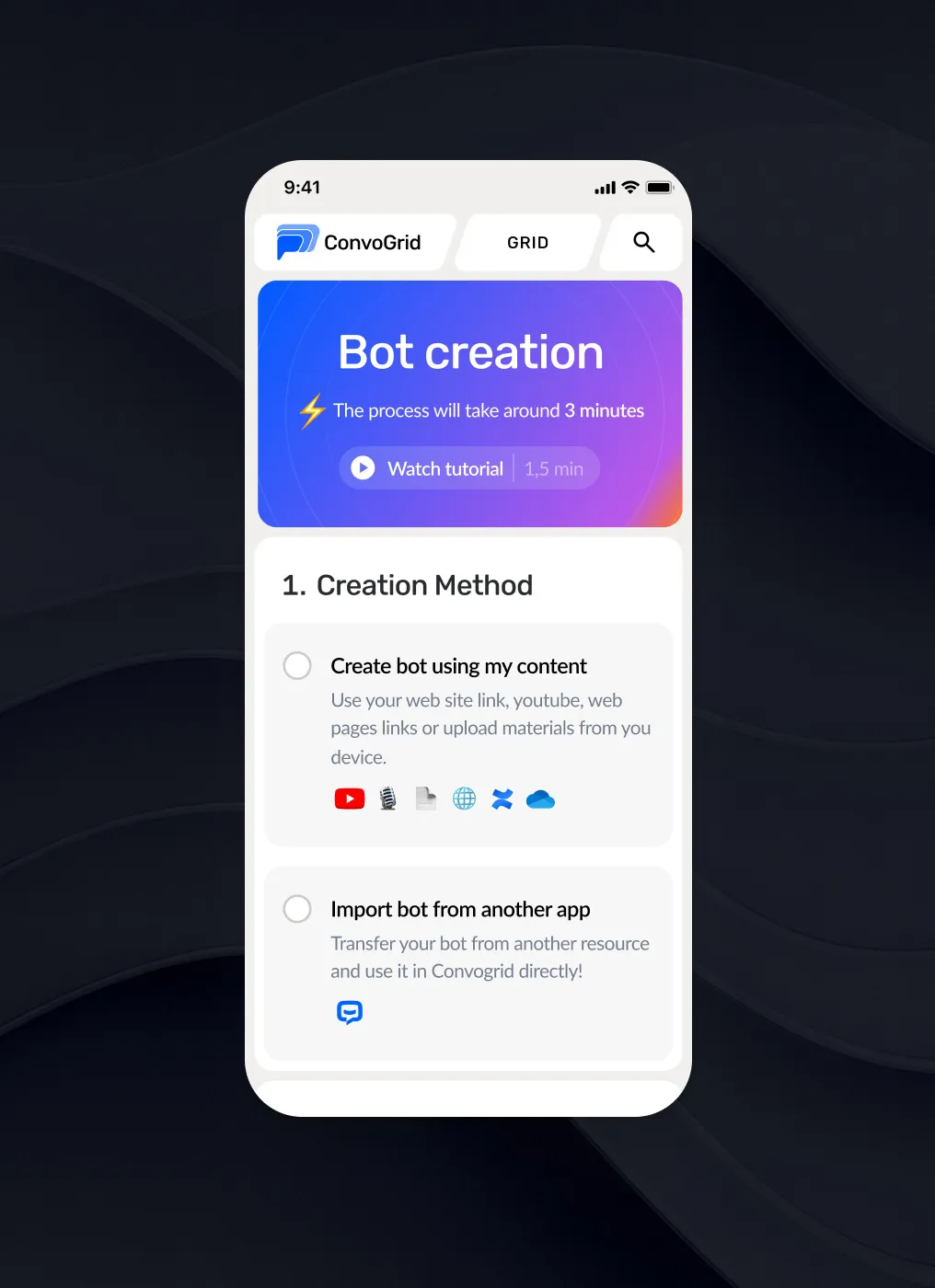
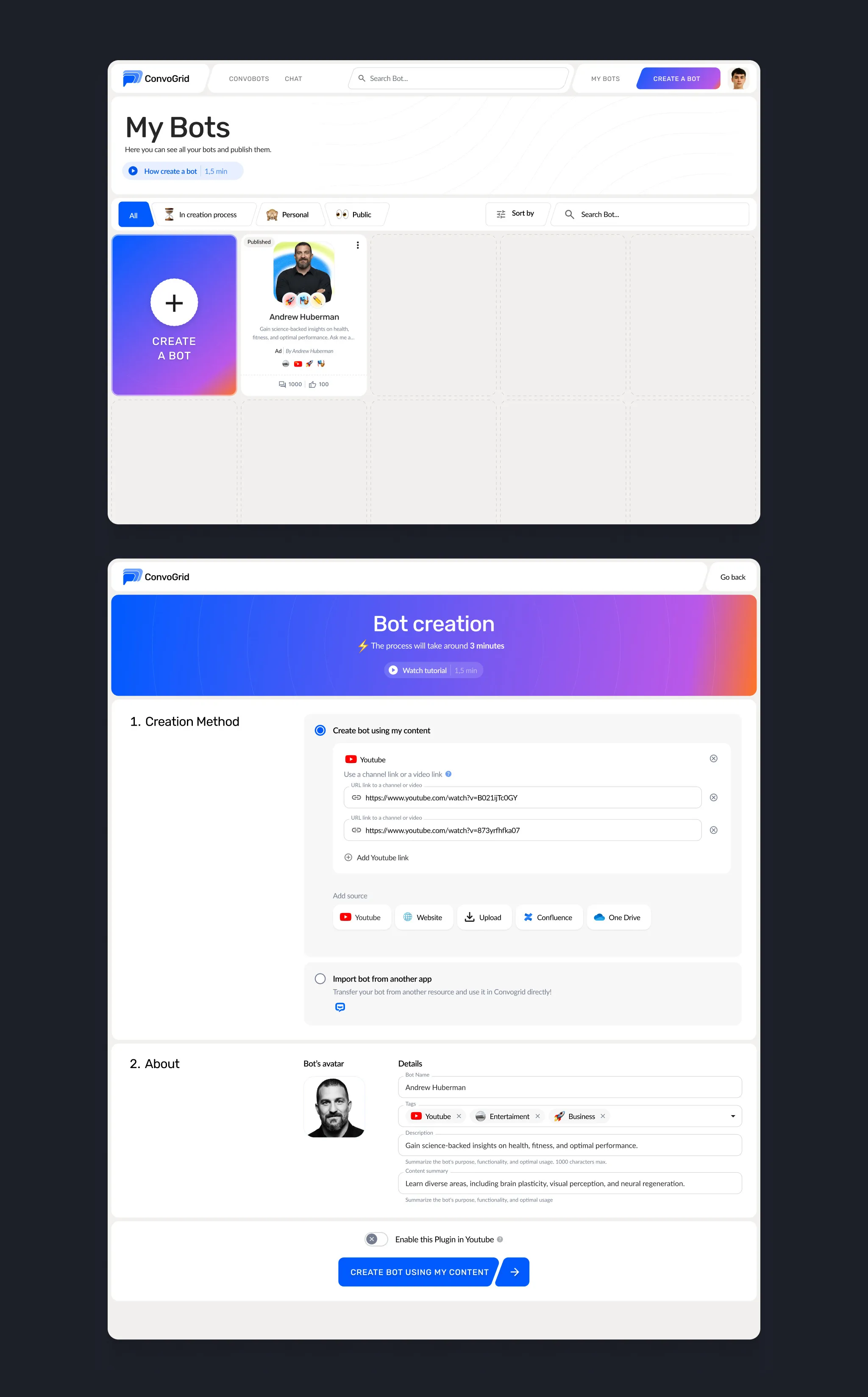
- Designed a new bot creation flow that non-technical creators can finish from YouTube links, web pages or files.
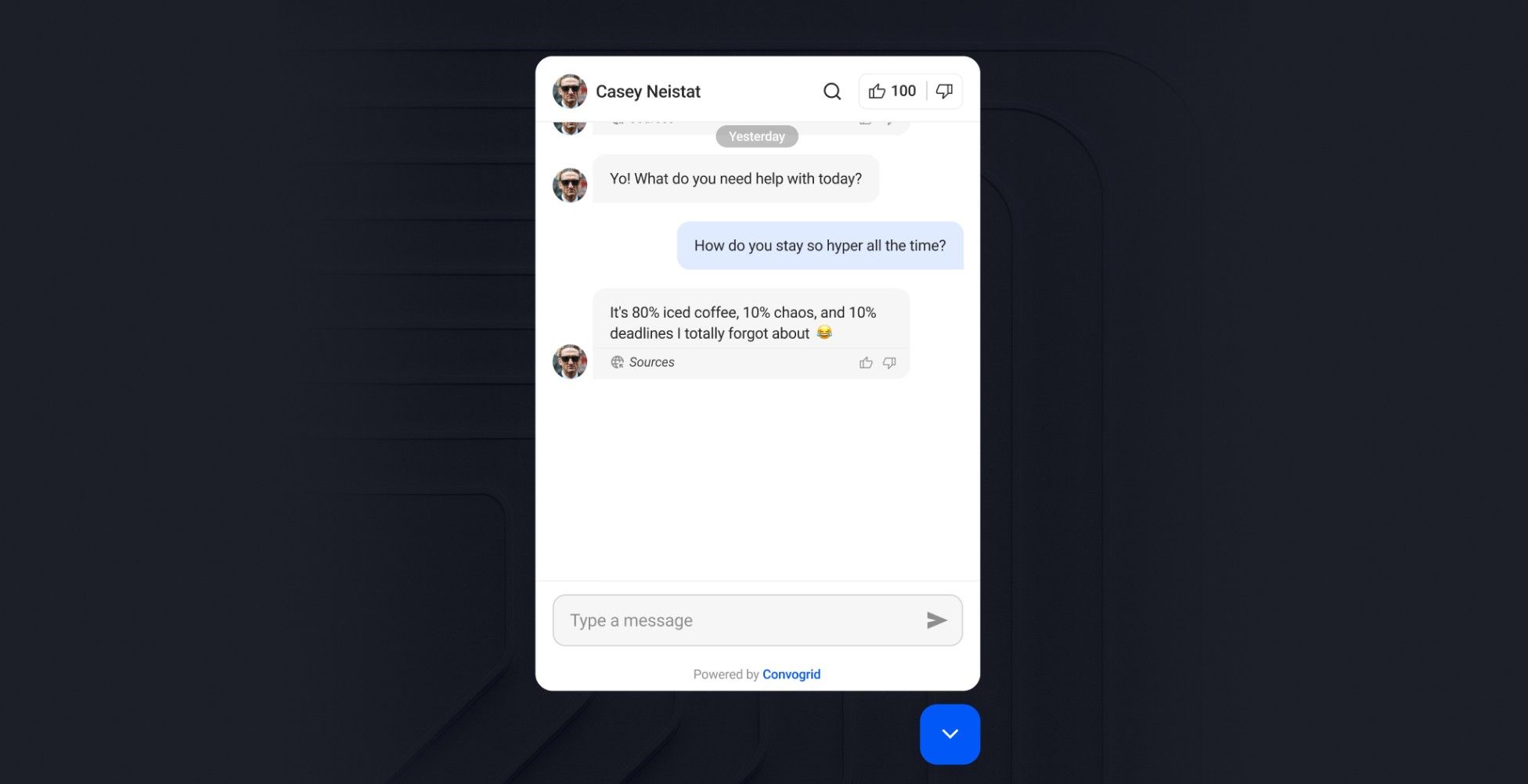
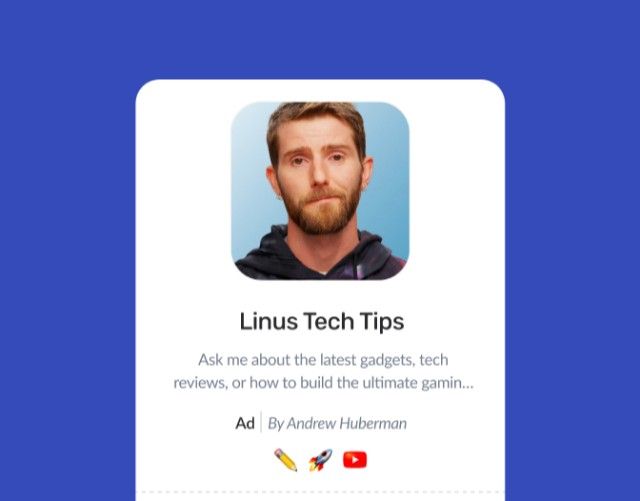
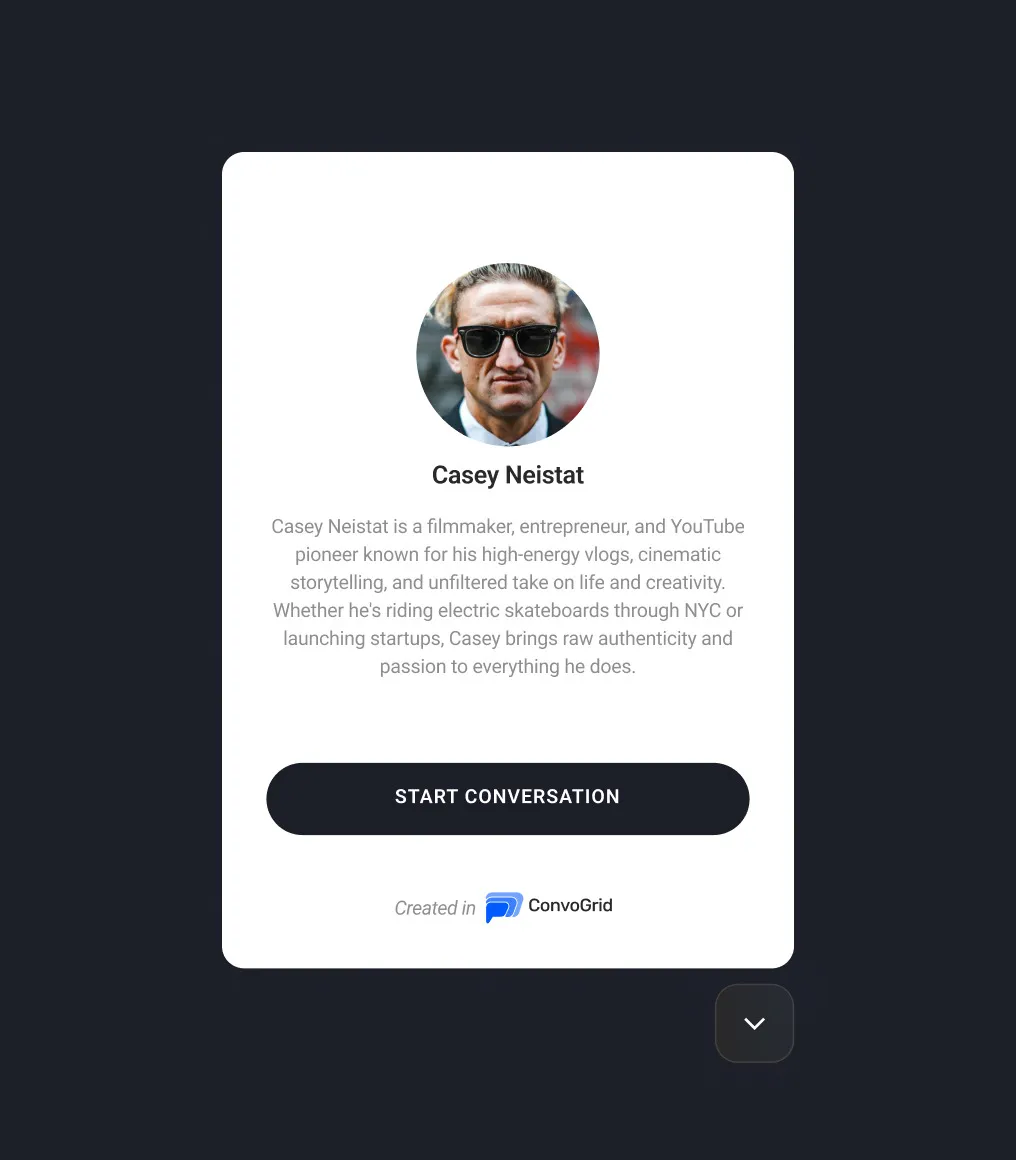
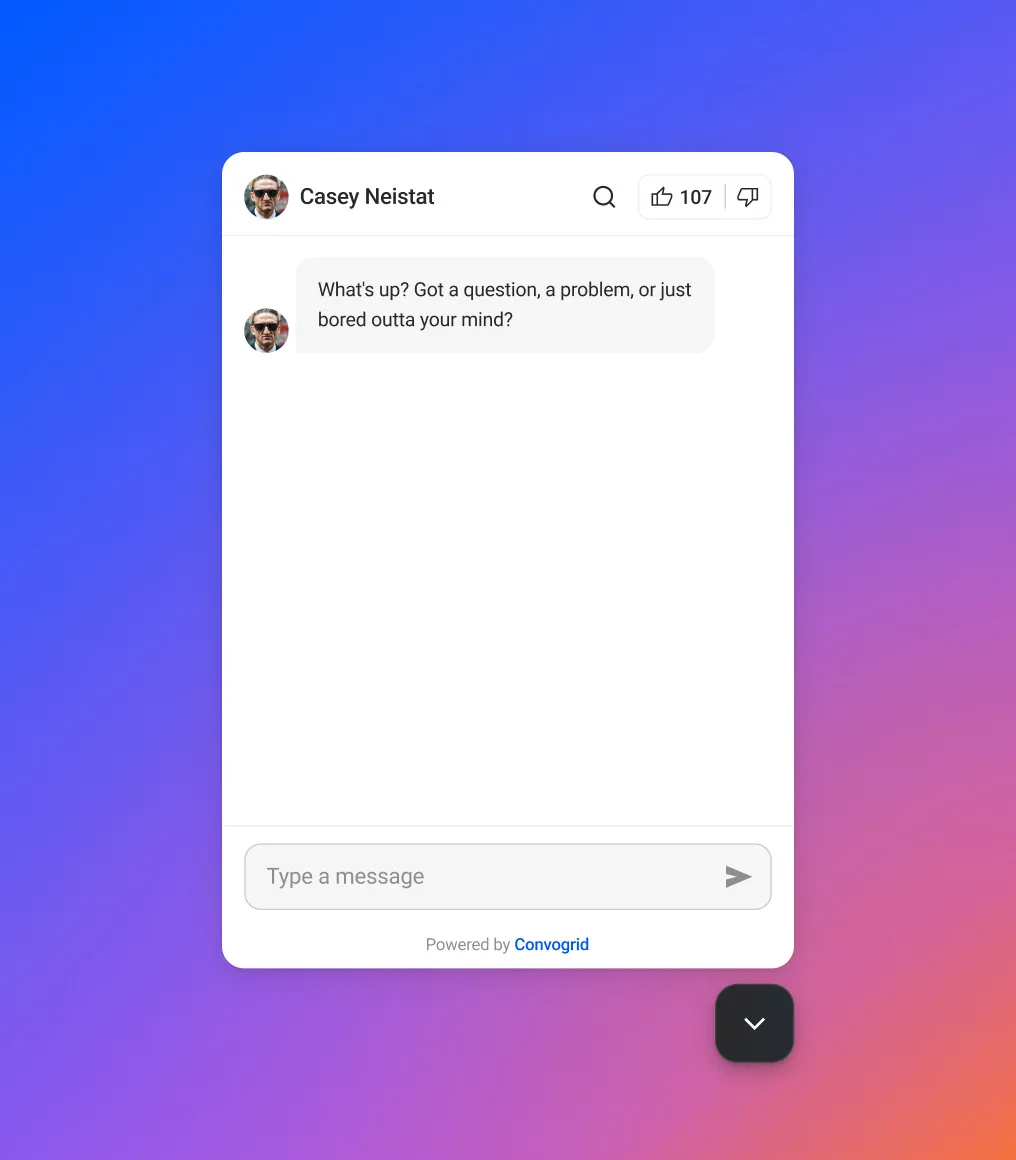
- Designed the YouTube plugin - a native-feeling chat right on the creator's page.
- Covered conversations, badges, sharing and payments, including unhappy paths.
- Refreshed the brand with the Efficy team: bold gradients, skewed shapes and playful details.
Result: ConvoGrid went from a functional tool to a recognizable, mobile-first platform with a clear creation flow and a design system the team keeps building on.
Design process
1.Research & exploration
- Design audit
- Competitor analysis
- Stakeholder interviews
- Wireframes for new flows
2.Branding & web
- Visual direction
- Brand refinement & guidelines
- Website draft
3.Design & prototyping
- High-fidelity UI
- Design system
- Ongoing work with stakeholders
Redefining the experience
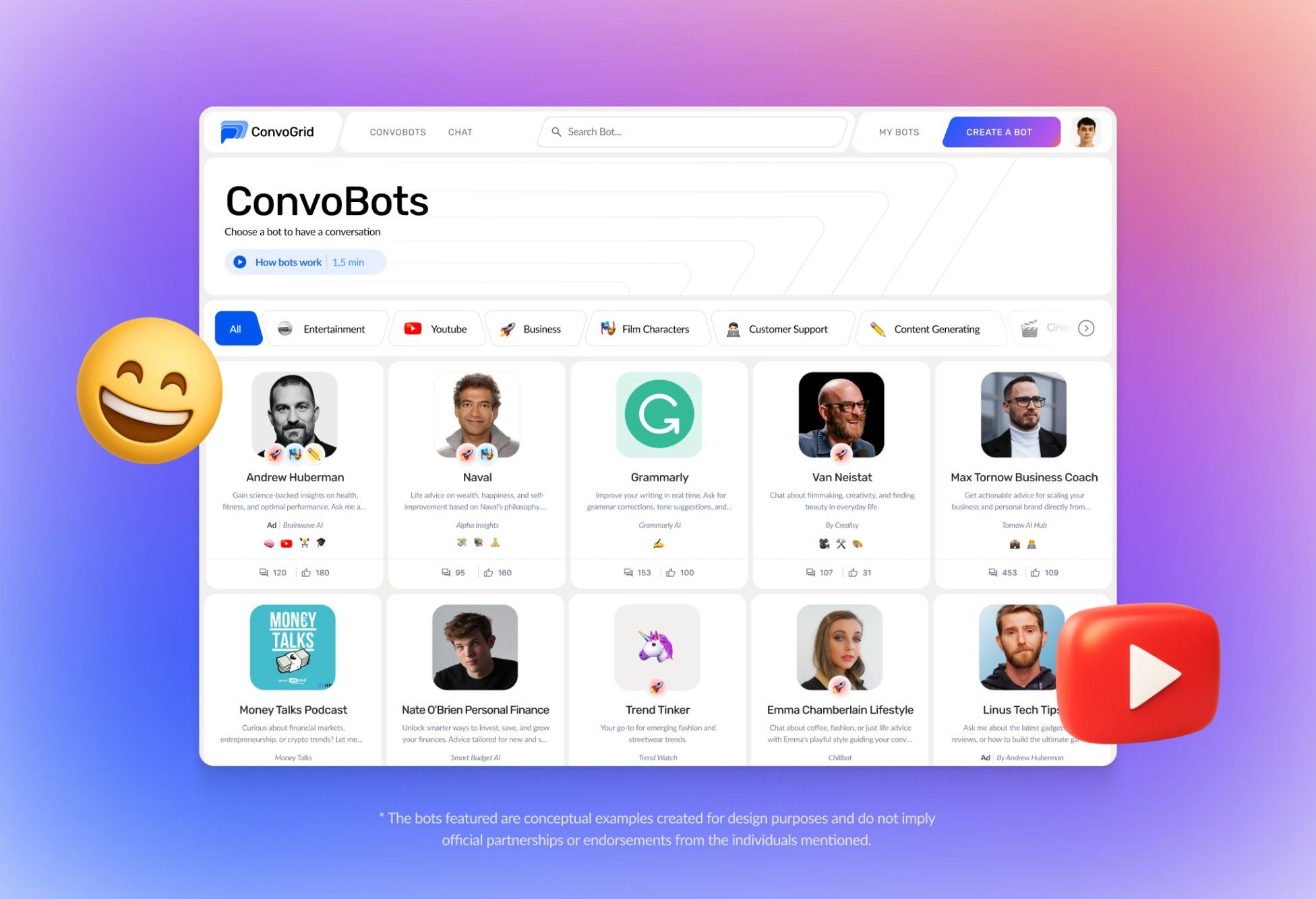
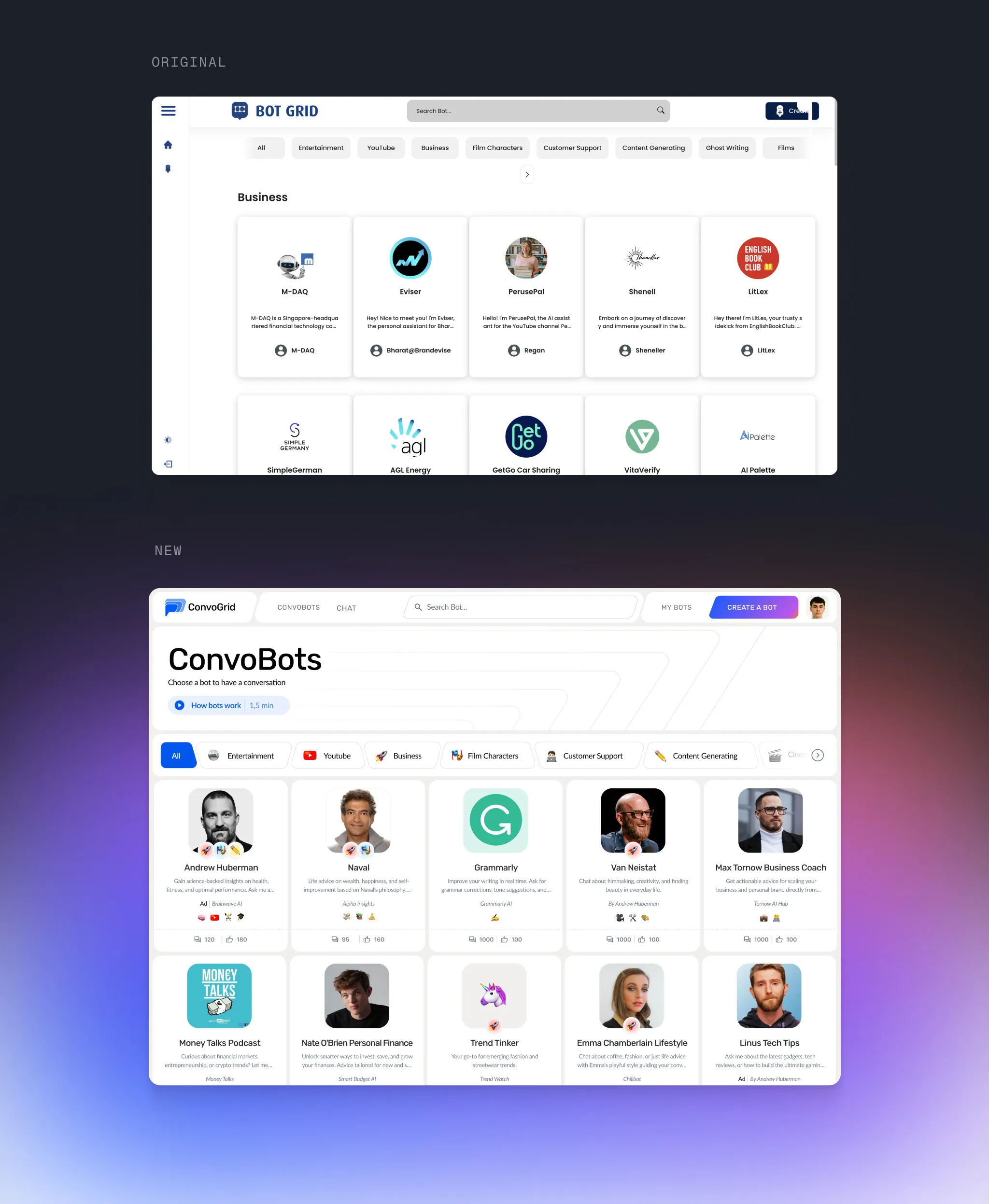
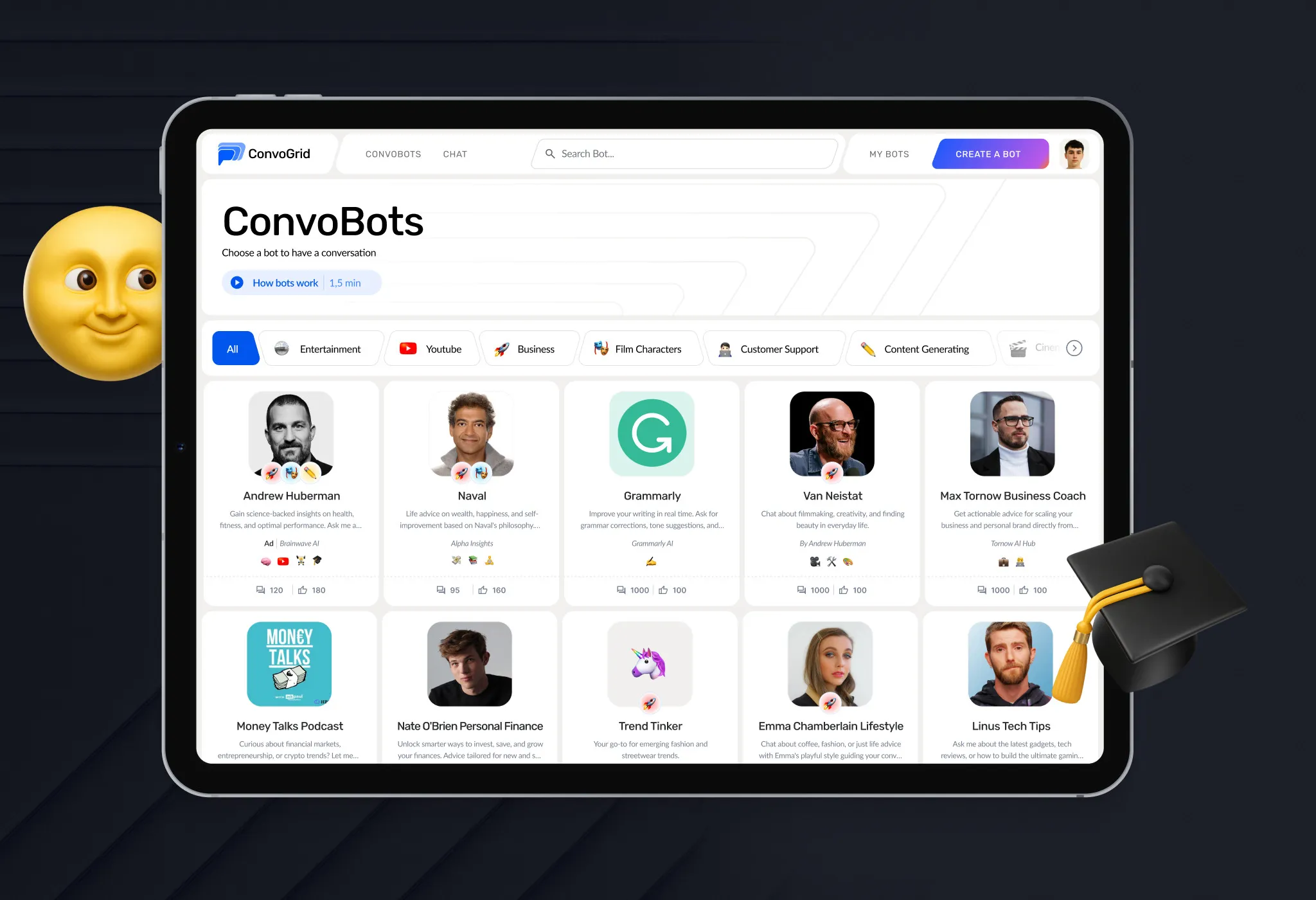
When I joined, the product was BotGrid - a plain grid of bots with a basic UI. As ConvoBots it got categories at the top, cards with faces, badges and stats, and a visual language with more energy.
Wireframes
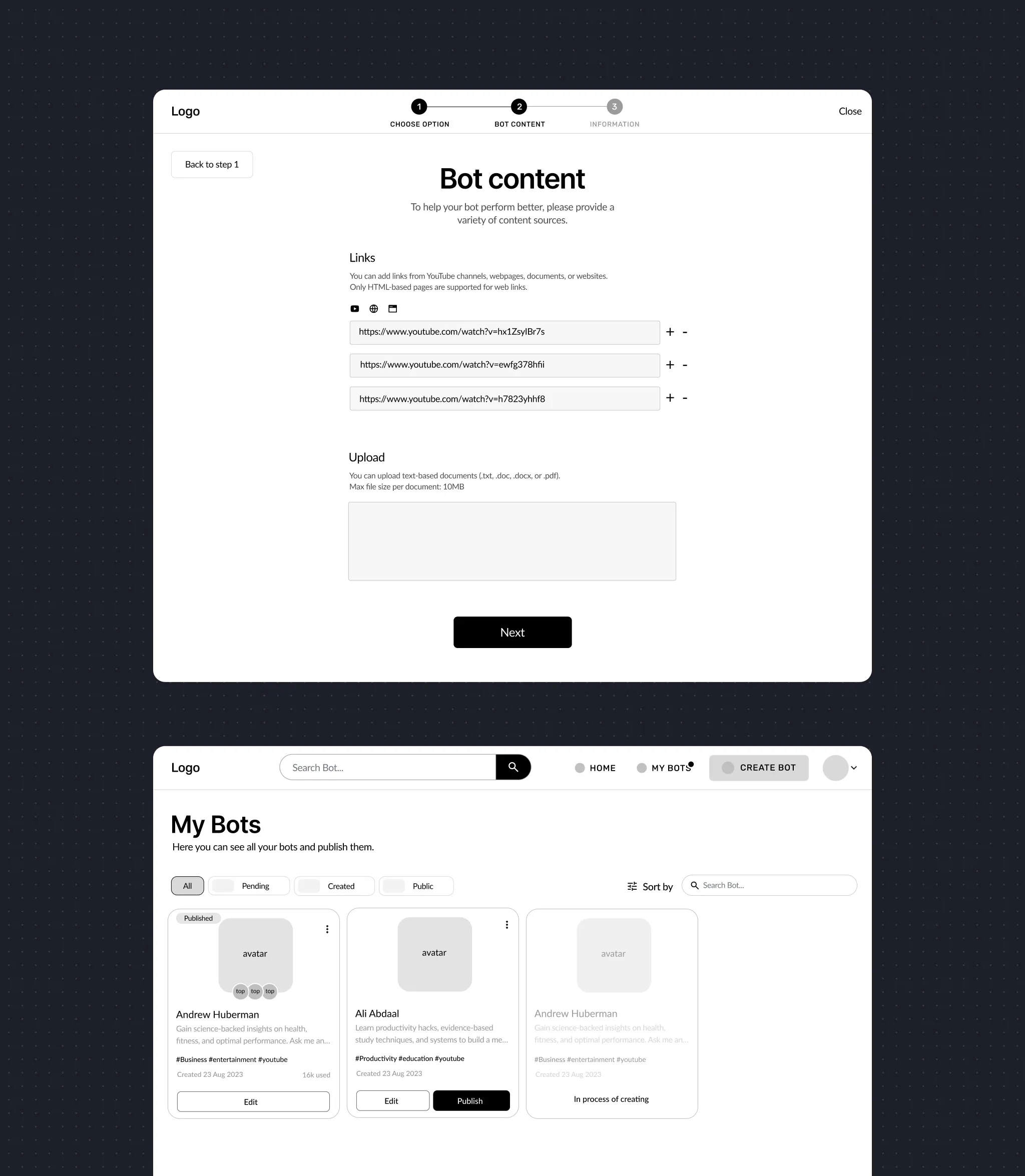
I wireframed bot creation - adding content from links and files - and the My Bots list, and tested the flows early.
Visual style & branding
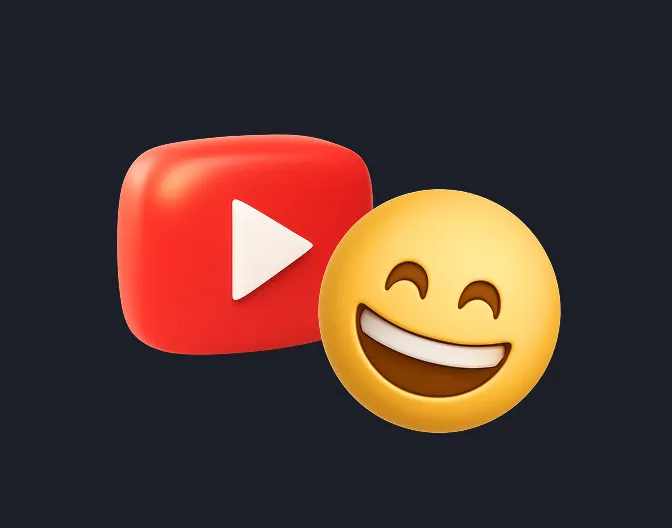
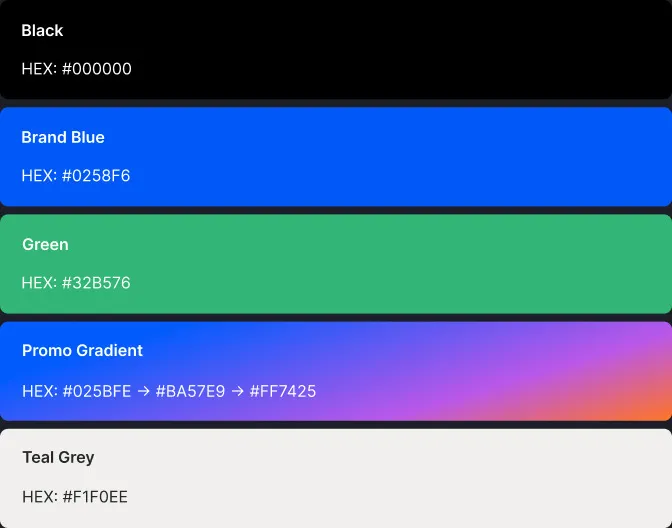
A new logo, a blue palette with a bright promo gradient, skewed buttons and 3D emoji-style icons - playful enough for a Gen Z audience.
Features
Bot creation flow
Creators link YouTube videos, web pages or files and get a bot - with clear steps for any experience level.
Bot list
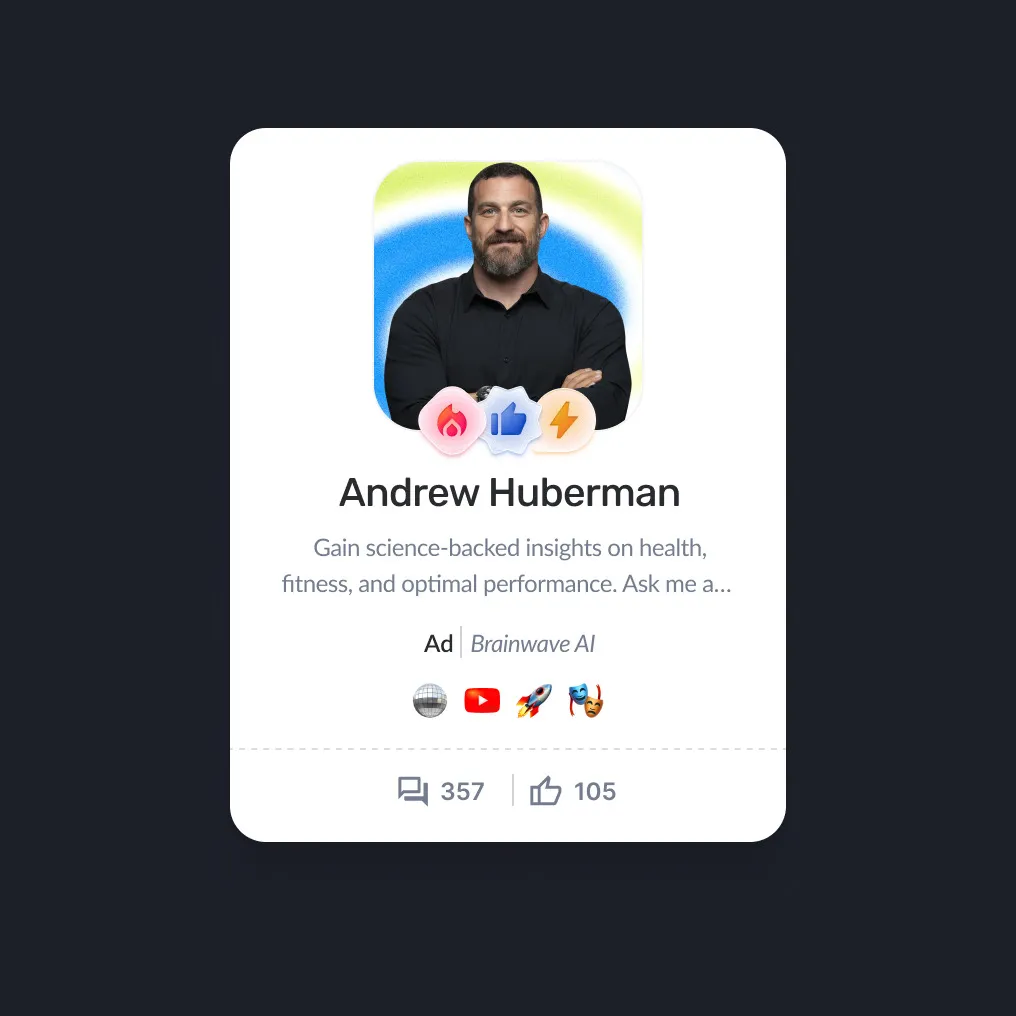
Visual cards with avatars, badges and quick stats; category filters help people discover bots.
YouTube plugin
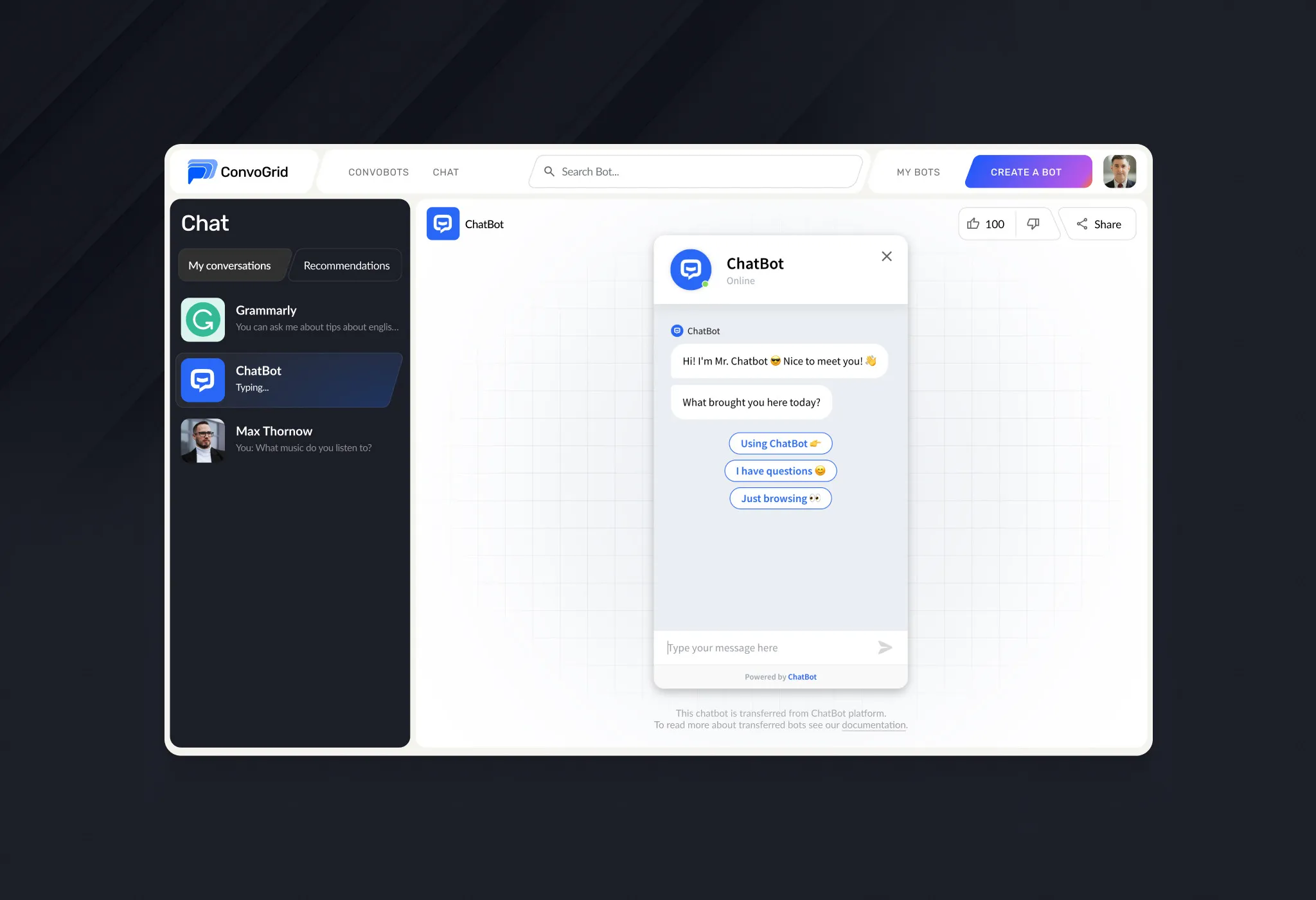
A compact chat that opens on the creator’s YouTube page and feels native to it.
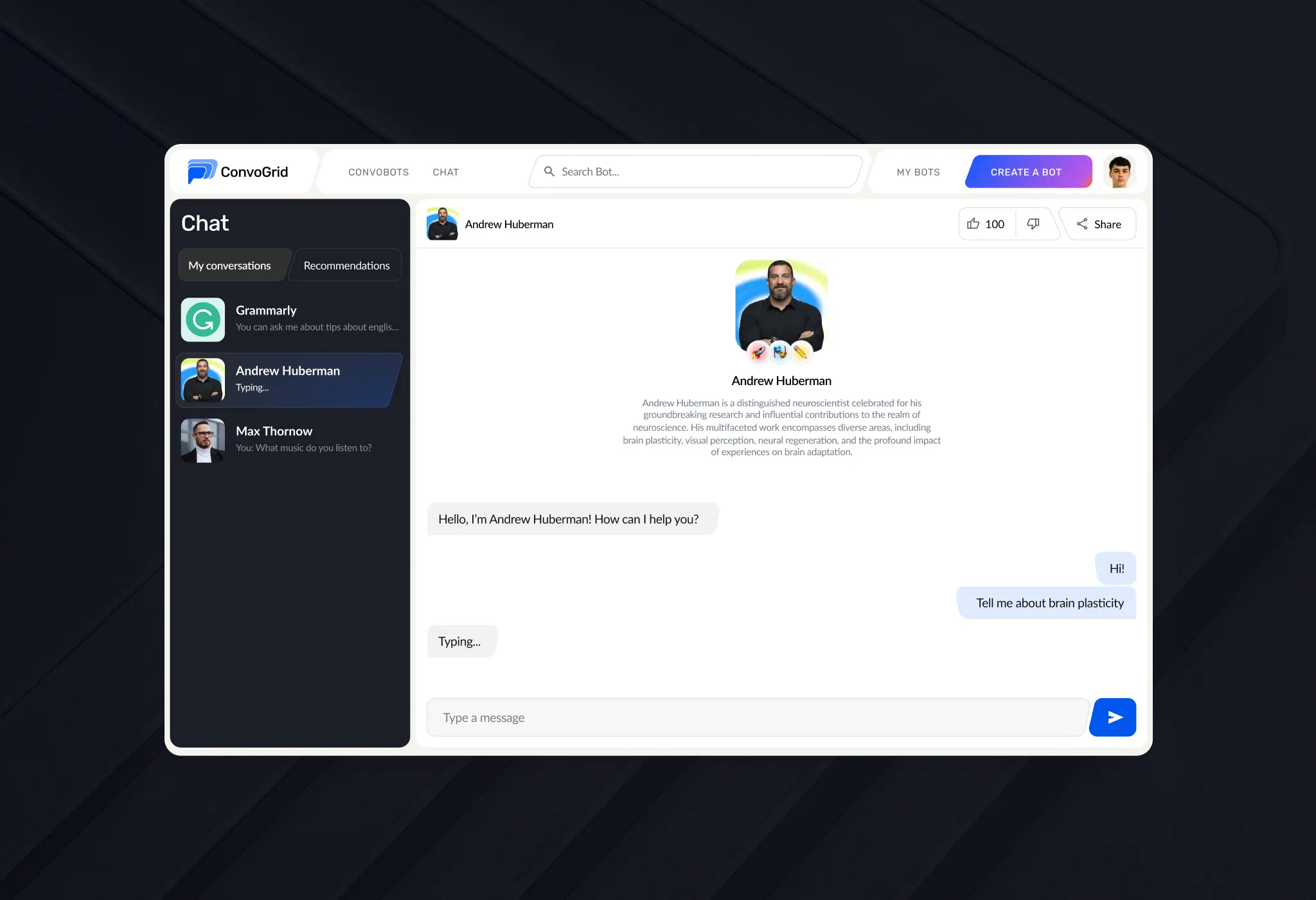
Conversations
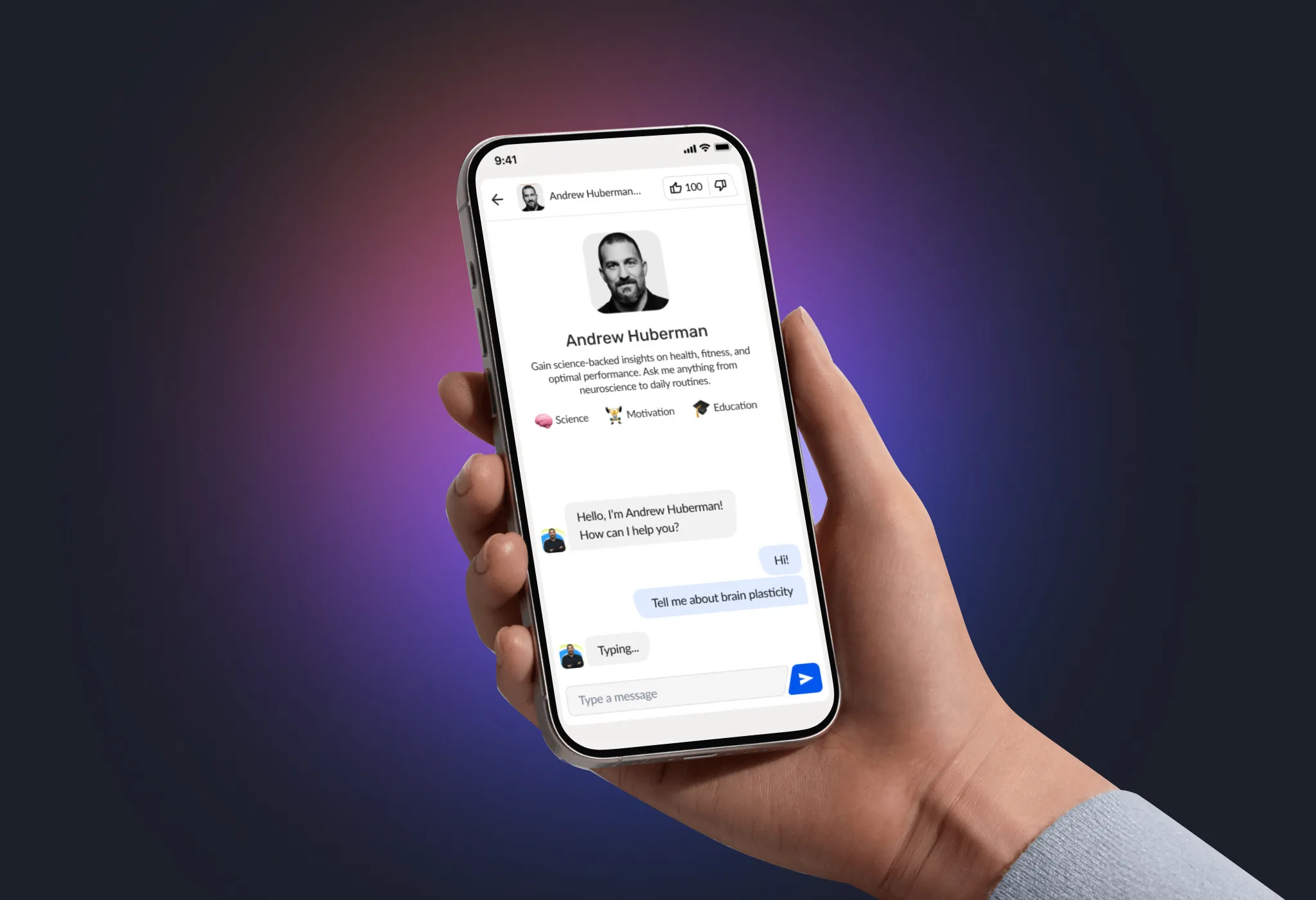
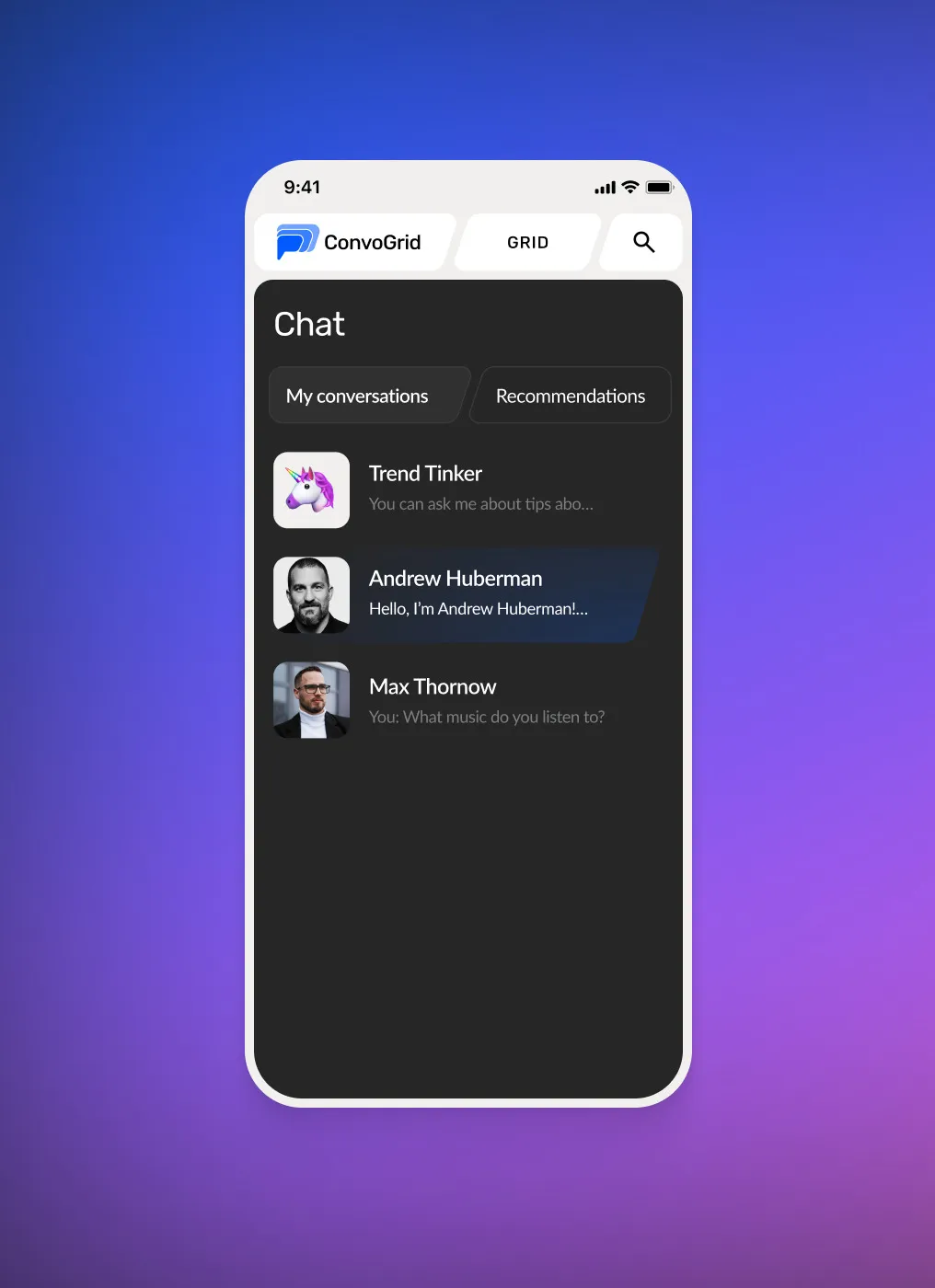
Switch between bots and keep the full history; imported bots keep their personality.
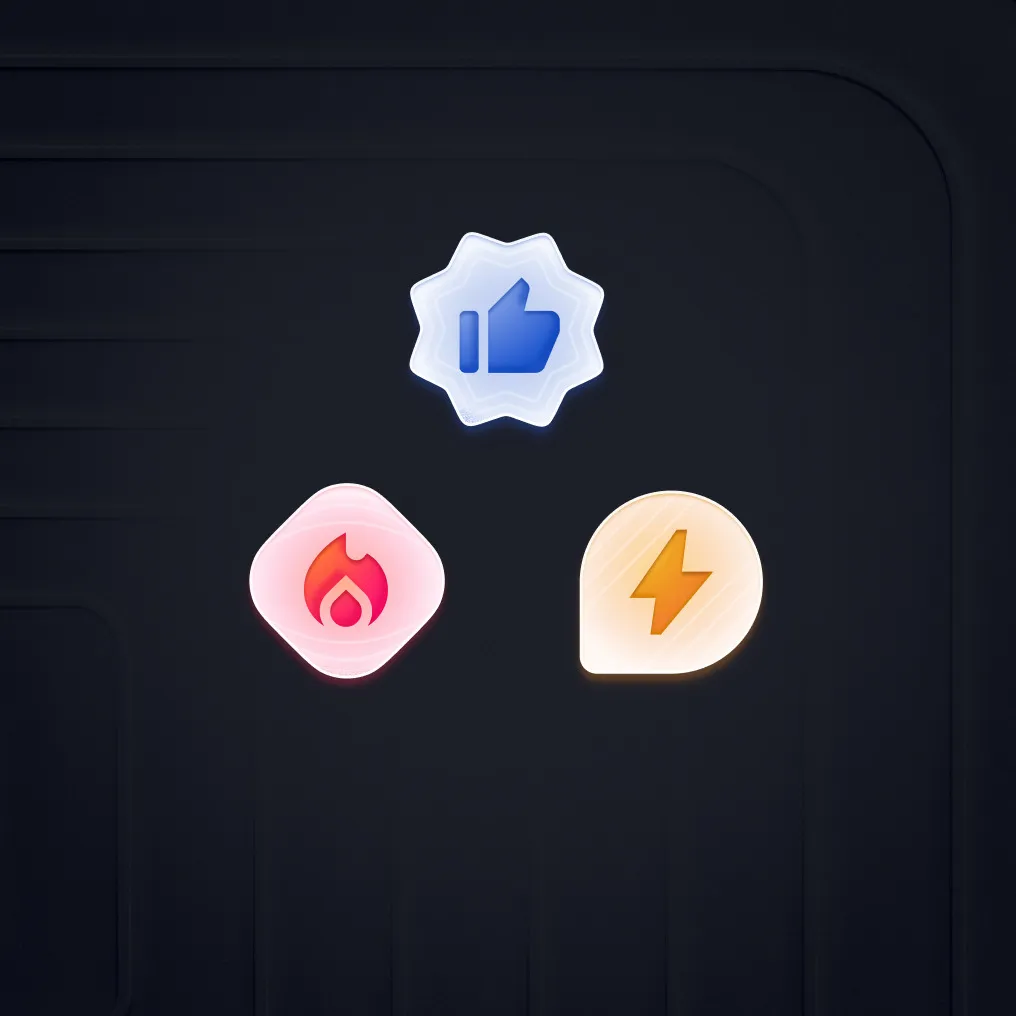
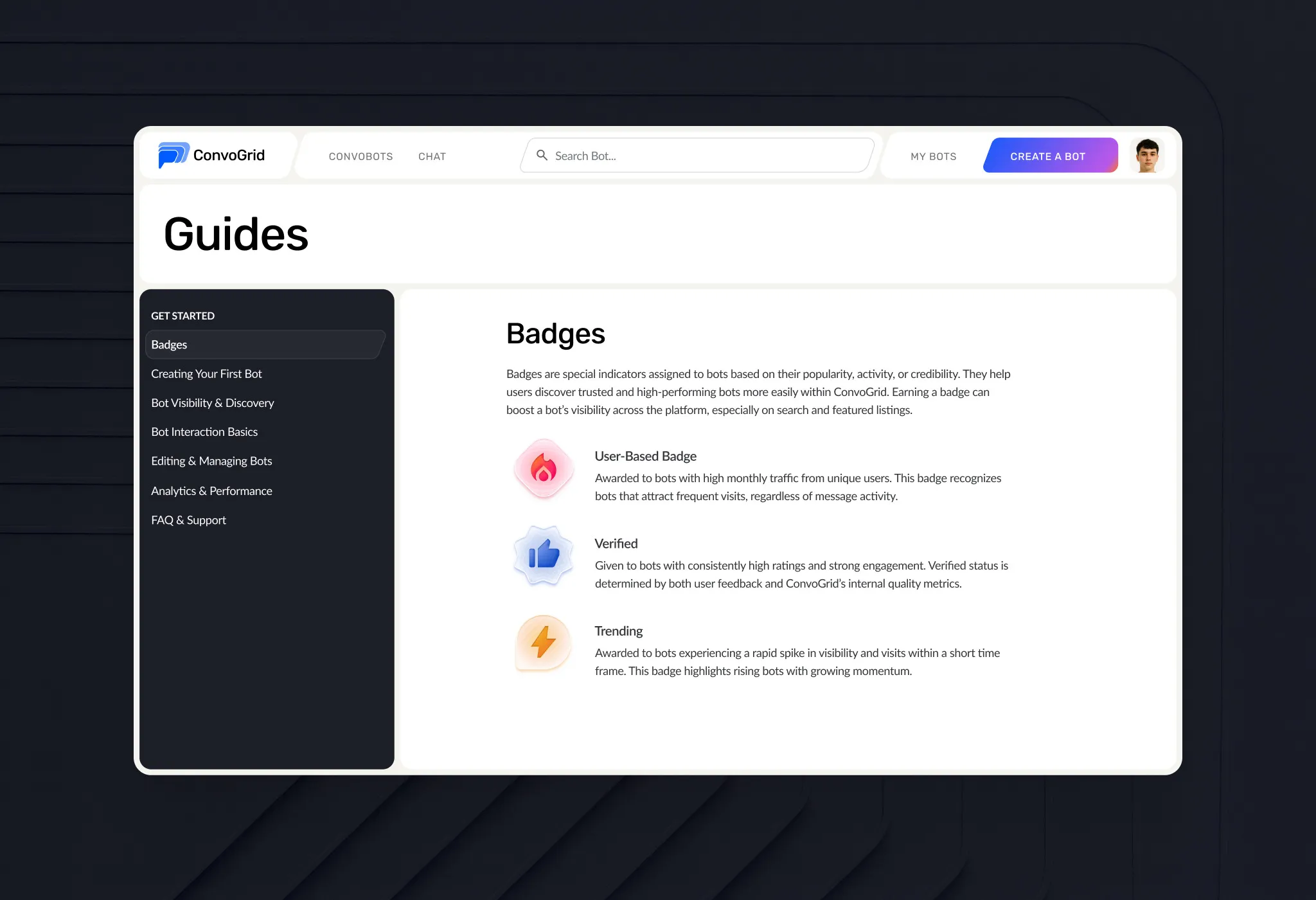
Badges
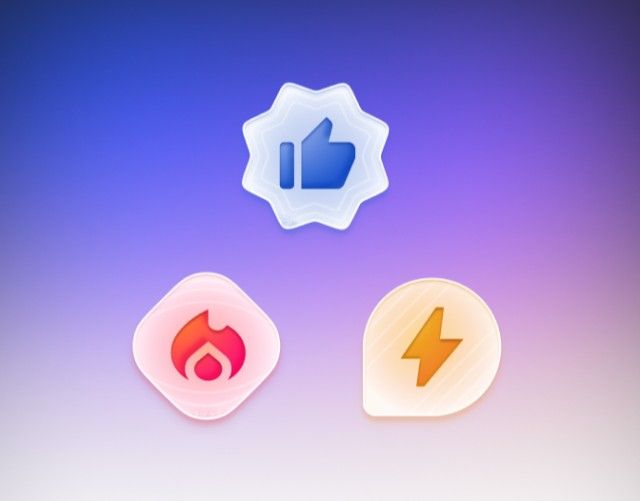
Minimal badges on avatars that show a bot’s popularity, credibility or activity.
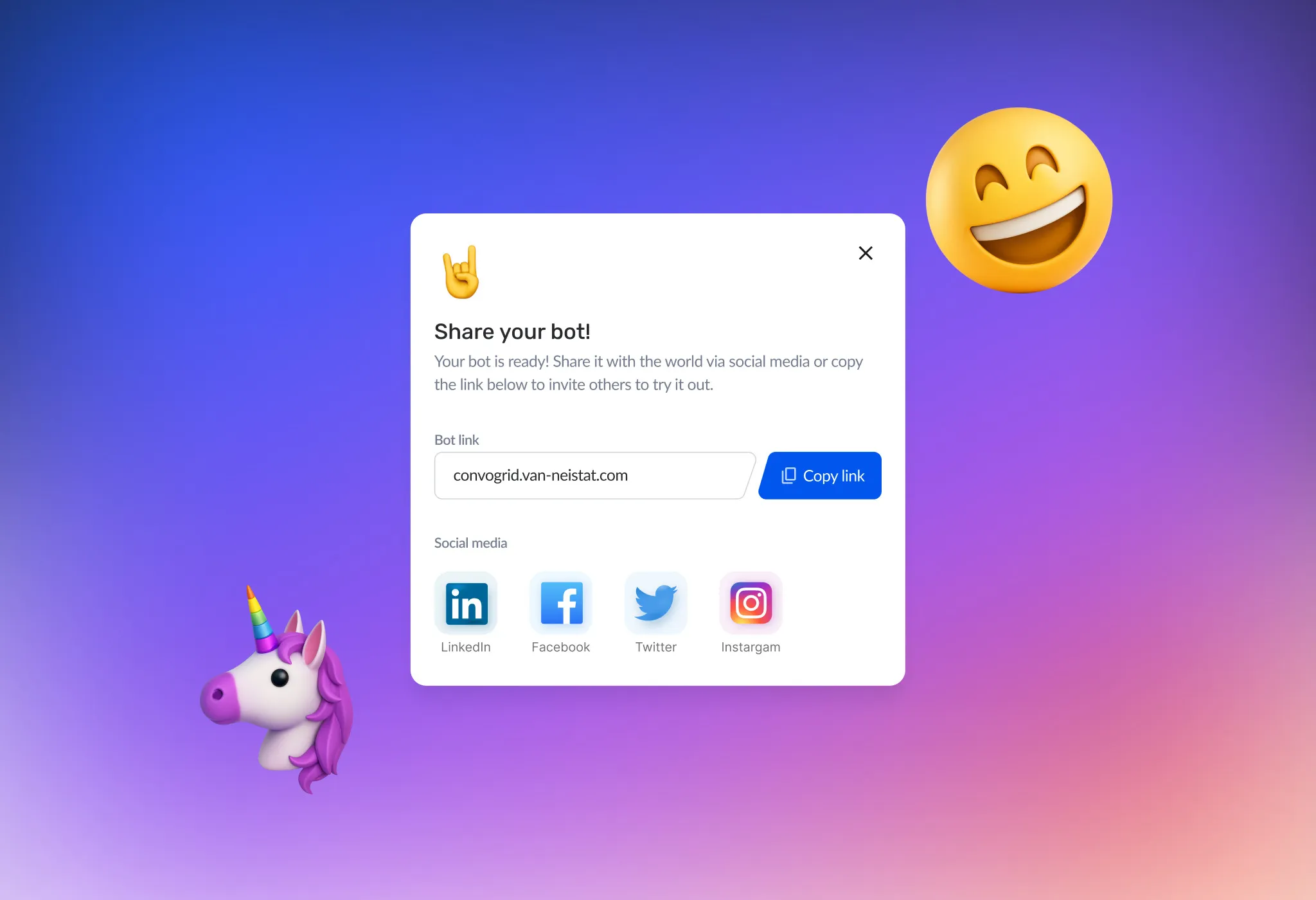
Bot sharing
One link to share a bot across social media.
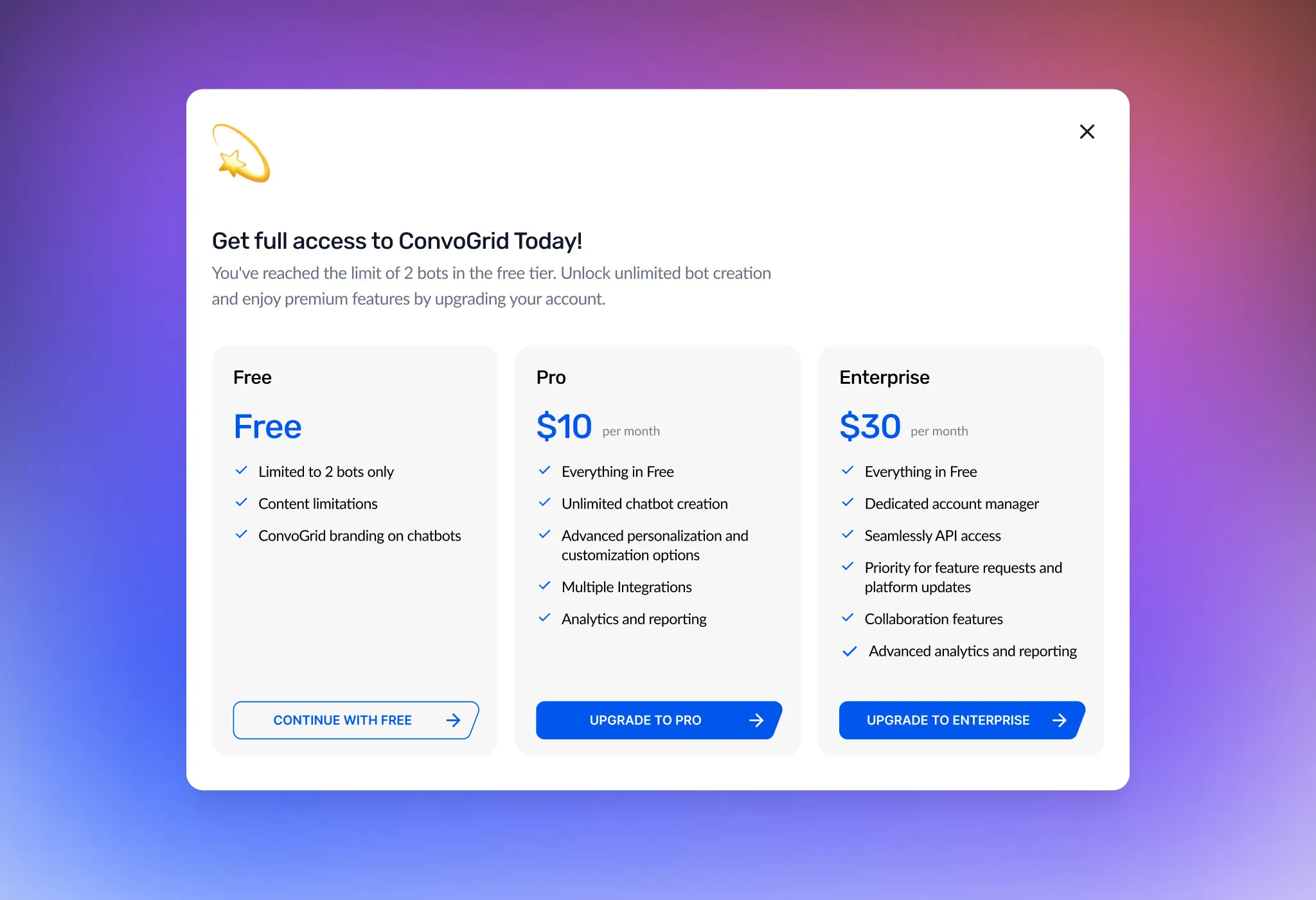
Plans & upgrade
When creators reach the free limit of two bots, an upgrade screen compares Free, Pro and Enterprise side by side.
Mobile
Mobile-first: create, edit and manage bots from any device.